'Tis a cool rank to be. It's the only rank where you have both a cool looking goodie and cool looking baddie.RayTunes wrote:RayFan9876 wrote:I do not approve of your futile attempts at mockery, neither do I recall ever having scared children purposefully. You do not seem to conclude to have any viable source of evidence on the matter.beebo44 wrote:LOL, ok, now run-along and scare some more little children, spiraldoor.
I tell you, Sergio will switch to baddies when he has that rank.
Rayman: Revenge of the Dark
Forum rules
Please keep the forum rules and guidelines in mind when creating or replying to a topic.
Please keep the forum rules and guidelines in mind when creating or replying to a topic.
-
Adsolution

- Posts: 22233
- Joined: Sat Aug 22, 2009 4:55 pm
- Contact:
- Tings: 110541
Re: Rayman 1.5: Revenge of the Dark
-
beebo44

- Posts: 3448
- Joined: Sun Jul 03, 2011 11:27 am
- Location: Australia, home to all things deadly!
- Tings: 31100
Re: Rayman 1.5: Revenge of the Dark
Tis such a truthful truth.
Re: Rayman 1.5: Revenge of the Dark
(wow, wrong topic once again.)
I got new WIP concept art in Raybrawl topic.
I got new WIP concept art in Raybrawl topic.
-
Adsolution
- Posts: 22233
- Joined: Sat Aug 22, 2009 4:55 pm
- Contact:
- Tings: 110541
Re: Rayman 1.5: Revenge of the Dark
I just felt like posting a screenshot of a pose I caught Rayman in - I found it rather awesome. 

At the moment I'm trying to re-work the Menu Opening Scene into CryEngine3. Compare that screenshot with the CryEngine2 video:
As you can see, the CE3 version has a lot more depth to it.
At the moment I'm trying to re-work the Menu Opening Scene into CryEngine3. Compare that screenshot with the CryEngine2 video:
As you can see, the CE3 version has a lot more depth to it.
-
FrenchDeath

- Posts: 70
- Joined: Sat Apr 09, 2011 10:22 pm
- Location: On the PC
- Tings: 0
Re: Rayman 1.5: Revenge of the Dark
nice screenshot 

-
ikke471

- Posts: 7077
- Joined: Fri Jun 17, 2011 6:25 pm
- Location: Who knows? Did you check your closet? I would If I were you...
- Contact:
- Tings: 0
Re: Rayman 1.5: Revenge of the Dark
That's an awesome pose he has there!
-
Adsolution
- Posts: 22233
- Joined: Sat Aug 22, 2009 4:55 pm
- Contact:
- Tings: 110541
Re: Rayman 1.5: Revenge of the Dark
Shanks you two! I also updated the first page with more/upgraded character pictures.
-
beebo44
- Posts: 3448
- Joined: Sun Jul 03, 2011 11:27 am
- Location: Australia, home to all things deadly!
- Tings: 31100
Re: Rayman 1.5: Revenge of the Dark
Awesome pose Rayfan!
-
Adsolution
- Posts: 22233
- Joined: Sat Aug 22, 2009 4:55 pm
- Contact:
- Tings: 110541
Re: Rayman 1.5: Revenge of the Dark
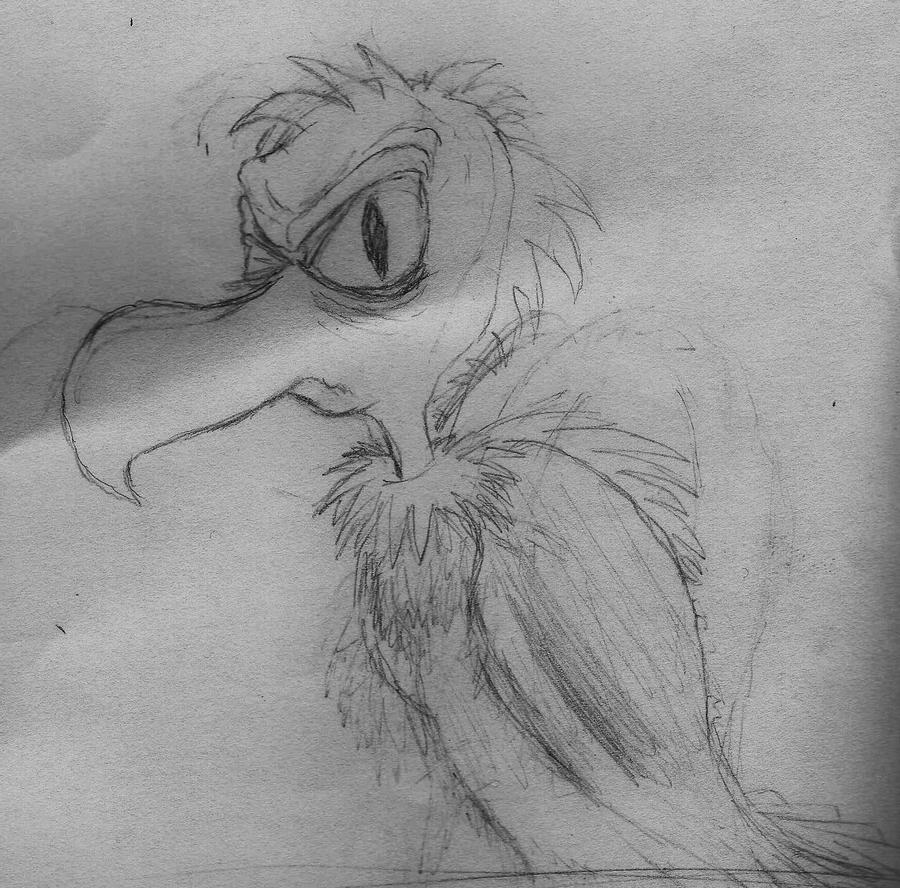
I came up with two test voices for the Grand Vulture Rhook. Which one do you like better? The first one is "deeper," while the second one is more "nasally:"
http://soundcloud.com/rayman-rotd-dialogue/rhook-1
http://soundcloud.com/rayman-rotd-dialogue/rhook2
http://soundcloud.com/rayman-rotd-dialogue/rhook-1
http://soundcloud.com/rayman-rotd-dialogue/rhook2
-
beebo44
- Posts: 3448
- Joined: Sun Jul 03, 2011 11:27 am
- Location: Australia, home to all things deadly!
- Tings: 31100
Re: Rayman 1.5: Revenge of the Dark
Number 1 would be better, but I think it's a bit too croaky, it's kinda hard to understand. If you added a bit of deepness to the second it would be perfect!
But this is only my opinion and just friendly tips.
But this is only my opinion and just friendly tips.
Re: Rayman 1.5: Revenge of the Dark
I have another question about rendering (wow they just keep coming don't they?)sometimes an object or model has this 'shiny' texture that goes over the base texture (to make a part of the object reflect light, like metal)... Now I learned that placing the shine is done the same way as making a part of base the texture transparent (alpha channel in which white is 'on' and black is 'off'), but I don't understand that. How can a texture be transparent and shiny at the same time using only one channel? Won't the parts that are meant to be shiny become transparent as well?
I kinda hope you can answer this, it's kind of complicated. If you don't understand I could show you an example.
-
Adsolution
- Posts: 22233
- Joined: Sat Aug 22, 2009 4:55 pm
- Contact:
- Tings: 110541
Re: Rayman 1.5: Revenge of the Dark
Alright beebo, I'll try something like that.
So in conclusion, aside from the bumpmap sidetrack (which was for a better understanding), speculars and alphas are calculated the same way (in black-white) because they only need to store one layer of information. Bumpmaps are colourful because they store X, Y and Z data.
Alternatively, instead of creating a separate alpha map for the material, you can incorporate alpha directly into the texture (please use a .DDS format for CryEngine textures) by saving it using a DXT3 or DXT5 format (available as an option in the nVidia DDS exporter for Photoshop).
I hope that made sense.
Ah, you're talking about specular maps (the correct term for a shiny texture). I think you're kind of confusing the alphas and speculars, they are in fact separate channels, however they are interpreted the same way. For alphas, black is 0% opacity and white is 100% opacity; for speculars, black is 0% exposure and white is 100% exposure. You might think "hey, isn't that what a bumpmap does?" Well, that is in fact partially right. A specular shows the places where the sun is more or less exposed, whereas a bumpmap calculates the whole other half of the shading, the dark part. If calculating a lack of exposure (bumpmap) was as easy as calculating exposure (specular), then it too would be in black and white, but a bump map (the lack of something - a factor minus one) is much more complex than a specular (an additive - nothing plus one), which is why bump maps are so colourful. They need to store both X, Y and Z data.Spanex wrote:
sometimes an object or model has this 'shiny' texture that goes over the base texture (to make a part of the object reflect light, like metal)... Now I learned that placing the shine is done the same way as making a part of base the texture transparent (alpha channel in which white is 'on' and black is 'off'), but I don't understand that. How can a texture be transparent and shiny at the same time using only one channel? Won't the parts that are meant to be shiny become transparent as well?
I kinda hope you can answer this, it's kind of complicated. If you don't understand I could show you an example.
So in conclusion, aside from the bumpmap sidetrack (which was for a better understanding), speculars and alphas are calculated the same way (in black-white) because they only need to store one layer of information. Bumpmaps are colourful because they store X, Y and Z data.
Alternatively, instead of creating a separate alpha map for the material, you can incorporate alpha directly into the texture (please use a .DDS format for CryEngine textures) by saving it using a DXT3 or DXT5 format (available as an option in the nVidia DDS exporter for Photoshop).
I hope that made sense.
Last edited by Adsolution on Sat Oct 01, 2011 7:57 am, edited 1 time in total.
Re: Rayman 1.5: Revenge of the Dark
XD not really... but somebody who tried to explain the same thing did mention speculars before. I understand the white/black thing, I don't know what bumpmap is, though.. I'll need to go find this 'specular' channel. I think I confused the two as one channel because the textures I can rip only have the Alpha channel, but still do the specular thing.
Heh... I hope I may learn about it in one of those tutorials.
But I must leave for my appointment now. See you all again soon.
Heh... I hope I may learn about it in one of those tutorials.
But I must leave for my appointment now. See you all again soon.
-
Adsolution
- Posts: 22233
- Joined: Sat Aug 22, 2009 4:55 pm
- Contact:
- Tings: 110541
Re: Rayman 1.5: Revenge of the Dark
Eh, I explained in extra unnecessary detail. You found the answer you were looking for.Spanex wrote:XD not really... but somebody who tried to explain the same thing did mention speculars before. I understand the white/black thing, I don't know what bumpmap is, though.. I'll need to go find this 'specular' channel. I think I confused the two as one channel because the textures I can rip only have the Alpha channel, but still do the specular thing.
Heh... I hope I may learn about it in one of those tutorials.
But I must leave for my appointment now. See you all again soon.

I edited my post (again), you might want to re-read it.
Re: Rayman 1.5: Revenge of the Dark
Back from my appointment. Anyway, I think I better look into this when I begin to render my model.

Re: Rayman 1.5: Revenge of the Dark
I am really glad to imitate Tara Strong voices before remaking.
-
spiraldoor

- Posts: 12392
- Joined: Tue Jul 15, 2008 3:13 pm
- Tings: 156600
Re: Rayman 1.5: Revenge of the Dark
That was a really bad impersonation. You didn’t capture any of my subtle nuances.
-
Adsolution
- Posts: 22233
- Joined: Sat Aug 22, 2009 4:55 pm
- Contact:
- Tings: 110541
Re: Rayman 1.5: Revenge of the Dark
Interestingly enough I may have seen a very, very small resemblance, but it's asking far too much from oneself to impersonate someone without even knowing their language well.spiraldoor wrote:That was a really bad impersonation. You didn’t capture any of my subtle nuances.

Re: Rayman 1.5: Revenge of the Dark
hey rayfan lookey at what i got 

-
ikke471
- Posts: 7077
- Joined: Fri Jun 17, 2011 6:25 pm
- Location: Who knows? Did you check your closet? I would If I were you...
- Contact:
- Tings: 0
Re: Rayman 1.5: Revenge of the Dark
OMG EPICNESS!!!!!!!!that3Dguy wrote:hey rayfan lookey at what i got
awesome man!!