Hype: The Time Quest Widescreen

Discuss tools to aid in the modification and running of Rayman games.

Moderator: Modding and utilities team

Forum rules
Please keep the forum rules and guidelines in mind when creating or replying to a topic.
deton24
Art Rytus
Posts: 1194
Joined: Fri Jan 14, 2011 1:22 am
Location: Poland
Tings: 8932

Re: Hype: The Time Quest Widescreen

Post by deton24 »

the game has a built-in floor value of 16 milliseconds per frame (~62.5 FPS) and a cap of 80 milliseconds per frame (~12.5 FPS)
Voodoo renderer in Rayman 2 may behave similarly (same engine ofc.). It has 63 FPS cap. Also, the game ran a bit slower if locked to 60 FPS.
Oh. I wrote that before.
HeroHype
Electoon
Posts: 3
Joined: Tue Jun 20, 2023 11:23 am
Tings: 15

Re: Hype: The Time Quest Widescreen

Post by HeroHype »

Great stuff! Unfortunately it isn't working for me. I tried it with the nglide patch from Zeus the problem is that doesn't contain an No-CD patch. With my own No-CD patch it doenst work and with the original EXE also. What am i doing wrong here?
lk19
Incrediball
Posts: 72
Joined: Thu Feb 11, 2021 8:52 pm
Tings: 360

Re: Hype: The Time Quest Widescreen

Post by lk19 »

HeroHype wrote: Thu Jun 29, 2023 7:55 pm Great stuff! Unfortunately it isn't working for me. I tried it with the nglide patch from Zeus the problem is that doesn't contain an No-CD patch. With my own No-CD patch it doenst work and with the original EXE also. What am i doing wrong here?
The nglide patch should be no-CD-patched! Which localized version of the game are you using?
Also make sure that your ubi.ini is placed in <GameDirectory>\UbiSoft\ (where <GameDirectory> is where you installed the game, e.g. C:\Games\Hype\) and NOT in <WindowsDirectory>\Ubisoft. The nglide EXE has been patched to look for ubi.ini in the game's folder not in the Windows directory.

I am still planning to release a new version of the patch based on the Direct3D EXE rather than the Glide EXE. With this patch, I will also include instructions how you can create your own moder-system-compatible EXE from your original EXE ;) But this may take a little longer depending on how much time and motivation I have :D
HeroHype
Electoon
Posts: 3
Joined: Tue Jun 20, 2023 11:23 am
Tings: 15

Re: Hype: The Time Quest Widescreen

Post by HeroHype »

lk19 wrote: Thu Jun 29, 2023 9:40 pm
HeroHype wrote: Thu Jun 29, 2023 7:55 pm Great stuff! Unfortunately it isn't working for me. I tried it with the nglide patch from Zeus the problem is that doesn't contain an No-CD patch. With my own No-CD patch it doenst work and with the original EXE also. What am i doing wrong here?
The nglide patch should be no-CD-patched! Which localized version of the game are you using?
Also make sure that your ubi.ini is placed in <GameDirectory>\UbiSoft\ (where <GameDirectory> is where you installed the game, e.g. C:\Games\Hype\) and NOT in <WindowsDirectory>\Ubisoft. The nglide EXE has been patched to look for ubi.ini in the game's folder not in the Windows directory.

I am still planning to release a new version of the patch based on the Direct3D EXE rather than the Glide EXE. With this patch, I will also include instructions how you can create your own moder-system-compatible EXE from your original EXE ;) But this may take a little longer depending on how much time and motivation I have :D
Thanks for the reply. The directories are exactly as you describe.
nglide patch needs an CD, i now tested it n-th times and have sincerly no idea how you came to the conclusion its no-CD patched. I was able to widescreen patch the nglide exe but not fov patch cause:

Code: Select all

Traceback (most recent call last):
  File "change_fov.py", line 189, in <module>
lzo.error: Compressed data violation -6
[7452] Failed to execute script 'change_fov' due to unhandled exception!
it's so weird, shouldn't the code work always for the exactly same binary?

btw i'd love a working Direct3D EXE :shock:
lk19
Incrediball
Posts: 72
Joined: Thu Feb 11, 2021 8:52 pm
Tings: 360

Re: Hype: The Time Quest Widescreen

Post by lk19 »

HeroHype wrote: Fri Jul 21, 2023 6:39 pm Thanks for the reply. The directories are exactly as you describe.
nglide patch needs an CD, i now tested it n-th times and have sincerly no idea how you came to the conclusion its no-CD patched.
Are you sure you are using the .exe from the n-glide webpage? I double-checked the binary file and it has the SafeDisc-encryption removed (otherwise you have no chance of making it run on modern Windows) and it ALSO has the CD-Checks replaced by NOPs! The only thing I can think of, where the game still asks you for a CD is if you didn't do a "complete" install (i.e. it's missing some files) or you don't have the entry "Complete = 1" in ubi.ini.
HeroHype wrote: Fri Jul 21, 2023 6:39 pm I was able to widescreen patch the nglide exe but not fov patch cause:

Code: Select all

Traceback (most recent call last):
  File "change_fov.py", line 189, in <module>
lzo.error: Compressed data violation -6
[7452] Failed to execute script 'change_fov' due to unhandled exception!
it's so weird, shouldn't the code work always for the exactly same binary?

btw i'd love a working Direct3D EXE :shock:
You need to apply the script to the releavant SNA-files and not the binary! (see the readme)
I will make the process much easier with the new patch so that you only have to provide the game directory once and not all of the SNA-files. I just need some more time to finish the new patch :facepalm:
Cocostewart1998
Electoon
Posts: 3
Joined: Tue May 28, 2024 12:04 am
Tings: 15

Re: Hype: The Time Quest Widescreen

Post by Cocostewart1998 »

Is ik19 still alive or active. I want to continue on with his work if he isnt.
lk19
Incrediball
Posts: 72
Joined: Thu Feb 11, 2021 8:52 pm
Tings: 360

Re: Hype: The Time Quest Widescreen

Post by lk19 »

Alive: Yes :D But still very busy with work and everything. I still plan to finish the direct 3d versio of the patch (it's already finished I just need to clean up the code so everyone can use it). Hope to release it, soon :)
Cocostewart1998
Electoon
Posts: 3
Joined: Tue May 28, 2024 12:04 am
Tings: 15

Re: Hype: The Time Quest Widescreen

Post by Cocostewart1998 »

Hi ik19, sorry for my absence and my lack of reply it didnt notify me you had replied. I managed to get the game working with sweet fx and the rayman guys textures which seem to change some ingame stuff for hype. Would you know how i could make a hook to modify the indeo codec as I modified the video files from the game to run at 4k and they look fantastic. I would love to work together if you have the time. I have also made a steam input profile for an xbox controller which allows people to pretty much just pick up a controller and play.

Do you have discord it would be good to work together to mod the game and get an installer made with your work and some of the stuff i was trying so the process is simpler for people
deton24
Art Rytus
Posts: 1194
Joined: Fri Jan 14, 2011 1:22 am
Location: Poland
Tings: 8932

Re: Hype: The Time Quest Widescreen

Post by deton24 »

It's very slow and single core, but you can simply try using Indeo encoding in 2K/4K as an experiment, and check whether it works in the game.
Probably there are other conventional video converters using system codecs will allow using it, but you can start with Video Enhancer 2 without any enhancers added, and simply pick Indeo when saving video. Indeo 3 will most likely give some errors. If you don't have Indeo on codecs list, you could maybe try installing K-Lite Codec Pack.
Technically, also Indeo 4 and 5 from 1997 exist and can be found on archive.org.
Indeo 1 encodes slow as hell, but I can't tell if anything else won't give you any errors.
There are audio/video syncing issues possible when using Video Enhancer 2, but IDK whether the audio stream in the game videos are even stored in the video file itself. If yes, then you could try to experiment with different audio settings. E.g. placing exactly the same file in input MKV container you will be using for the result file, and check Copy stream, instead of picking that format.
McNelly
Electoon
Posts: 2
Joined: Sat Oct 26, 2024 6:23 pm
Tings: 10

Re: Hype: The Time Quest Widescreen

Post by McNelly »

lk19 wrote: Mon Jun 10, 2024 11:14 am Alive: Yes :D But still very busy with work and everything. I still plan to finish the direct 3d versio of the patch (it's already finished I just need to clean up the code so everyone can use it). Hope to release it, soon :)
Hi, i've found a bug in yuor last patch in the other thread "https://raymanpc.com/forum/viewtopic.php?t=75448" and also something interesting in two other games, Alex build his farm and Laura's happy adventure, but I am unable to contact you privately
deton24
Art Rytus
Posts: 1194
Joined: Fri Jan 14, 2011 1:22 am
Location: Poland
Tings: 8932

Re: Hype: The Time Quest Widescreen

Post by deton24 »

Iirc, probably new users are unable to send PMs. Just write it here.
McNelly
Electoon
Posts: 2
Joined: Sat Oct 26, 2024 6:23 pm
Tings: 10

Re: Hype: The Time Quest Widescreen

Post by McNelly »

Ik19 I hope you will read it, I did a lot of tests so it will be a long read :P

I have two versions of HYPE, English and Italian, so I tried your patch to "cure" Hype, because with Windows 11, and daemon tools and with scsi emulation, "Safedisc" protection (the game uses v1.35.000 ENG/ITA) I get the following message "Log in with administrator privileges and start the game".

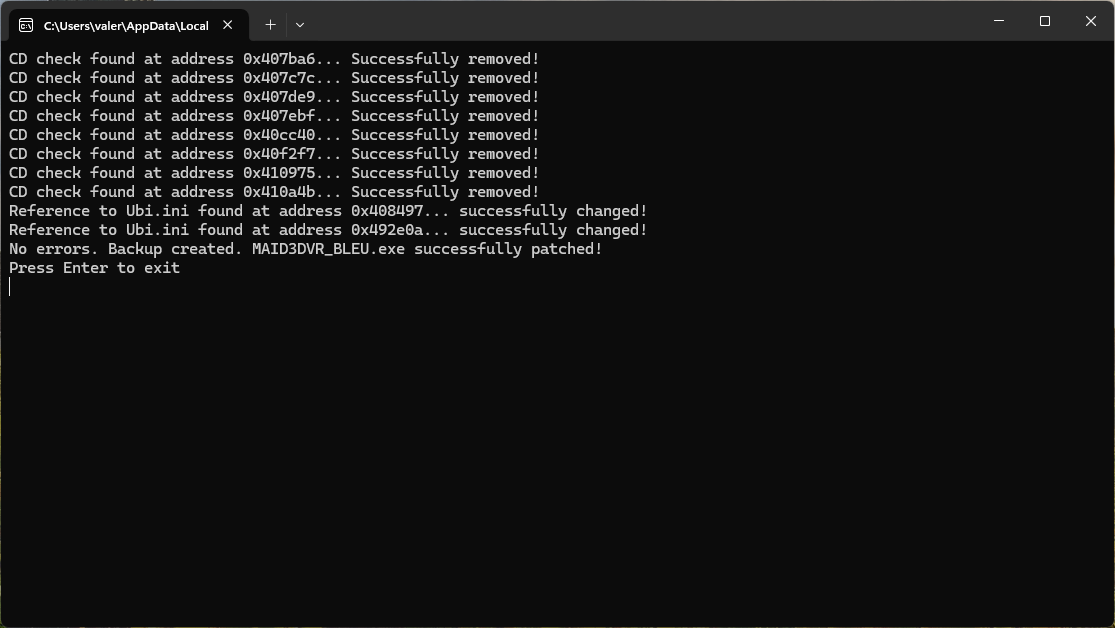
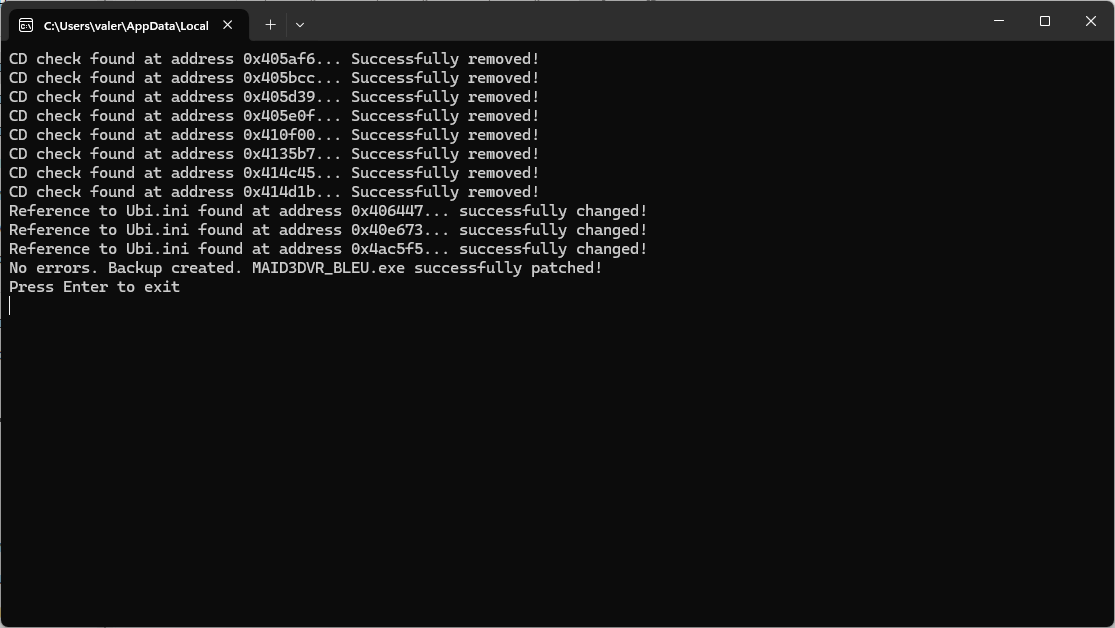
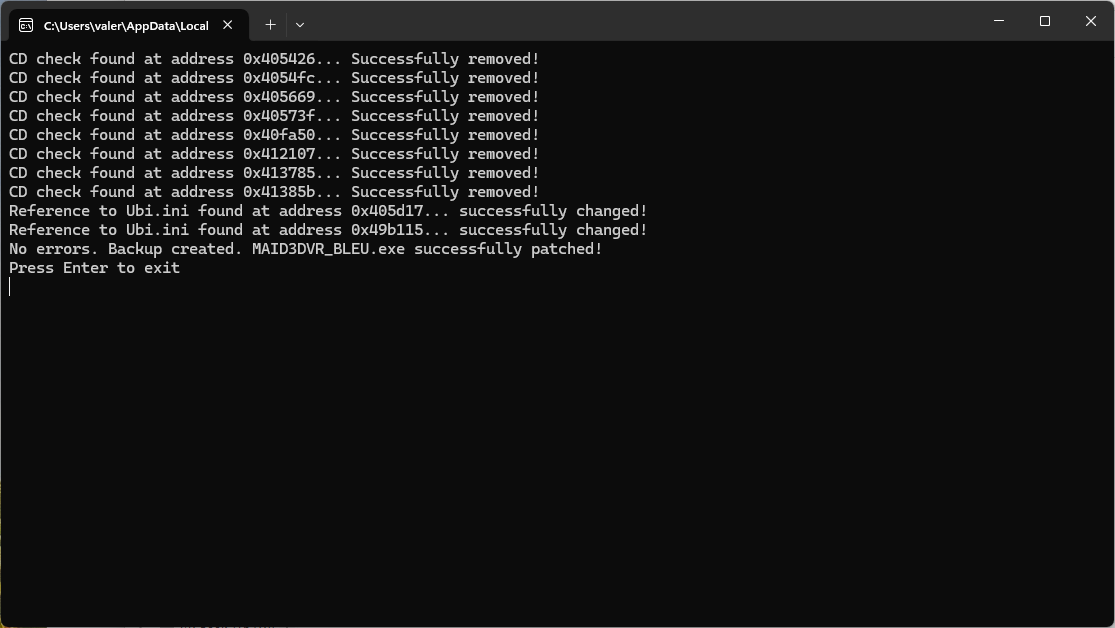
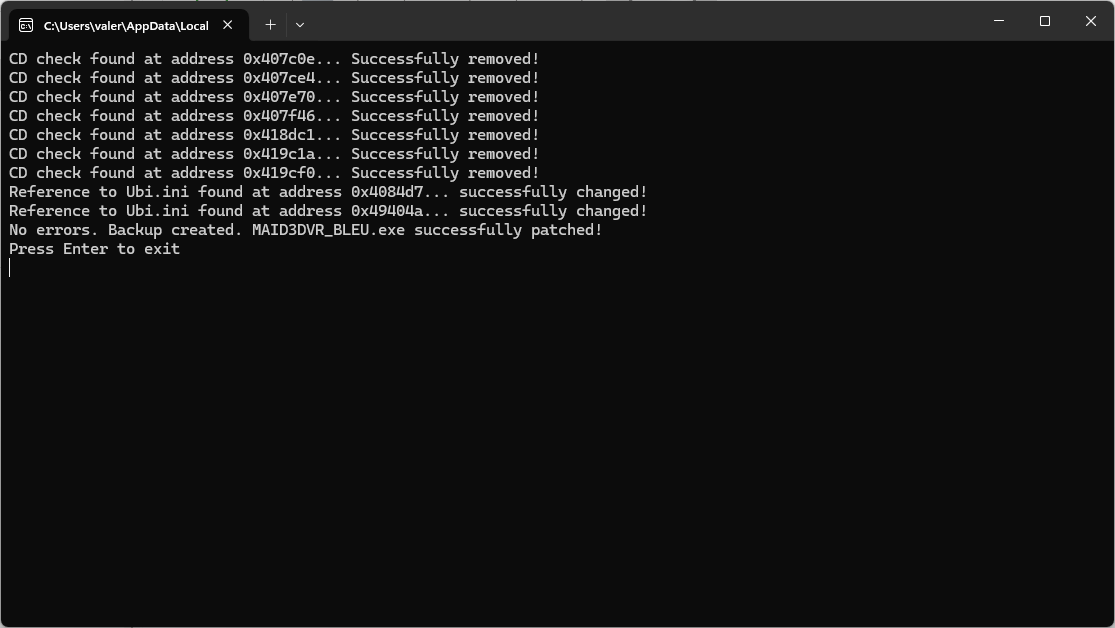
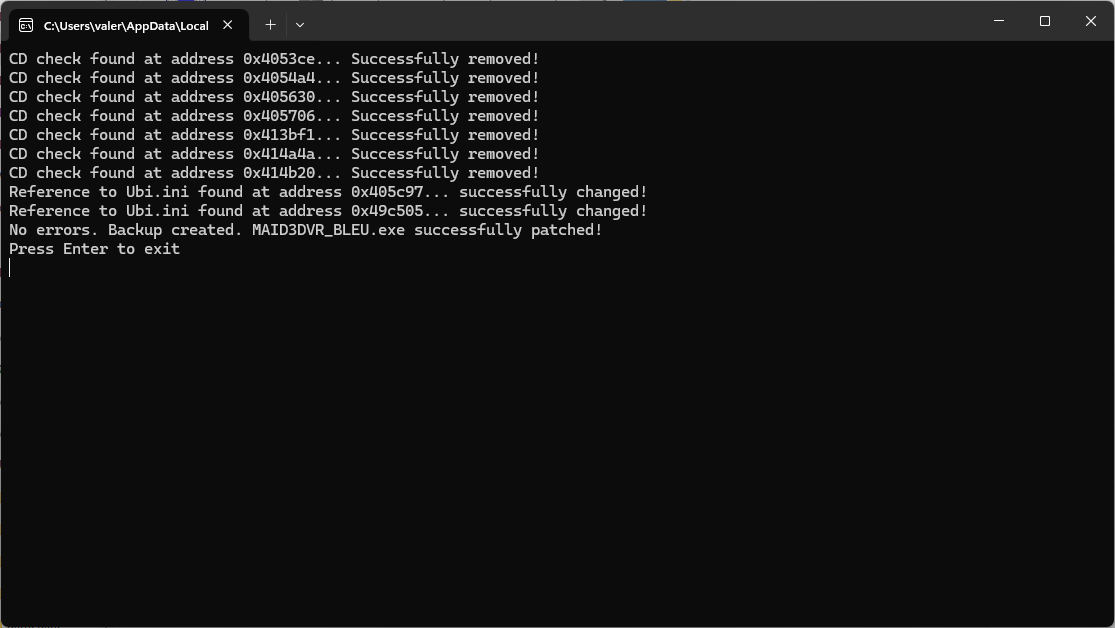
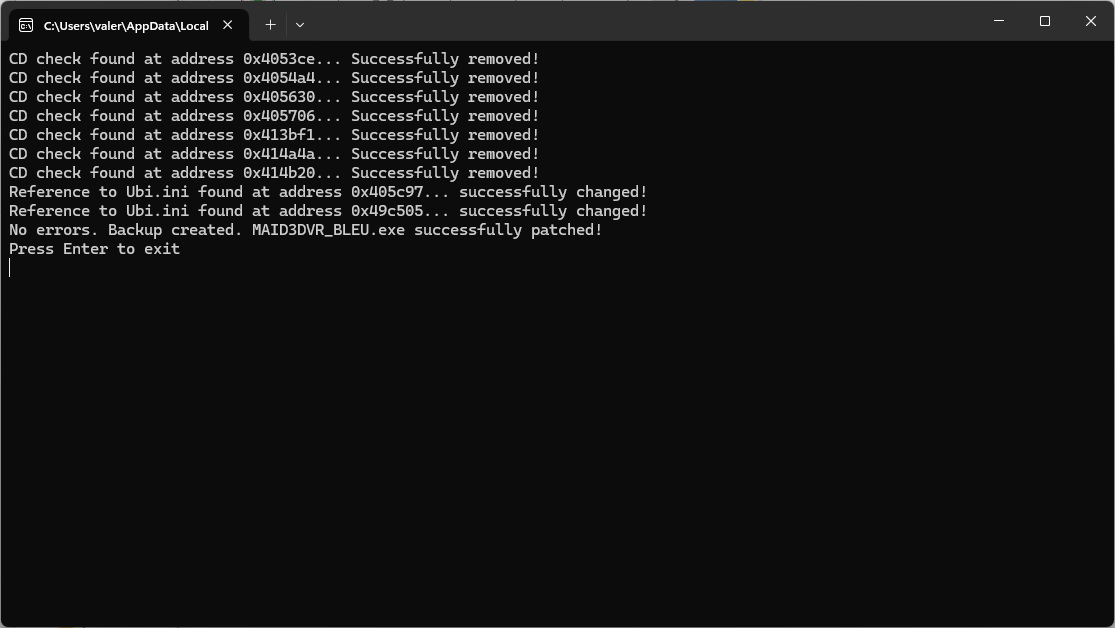
So I downloaded your patch "Hype_Widescreen_FPS_Fix_V5.7z" and followed the instructions for the English/Italian version. Note that the readme specifies to use only the D3D version (but any language), so I applied it and this is the log for the d3d ENG/ITA version.

D3D ENG
Image

D3D ITA
Image

3DFX ENG
Image

3DFX ITA
Image

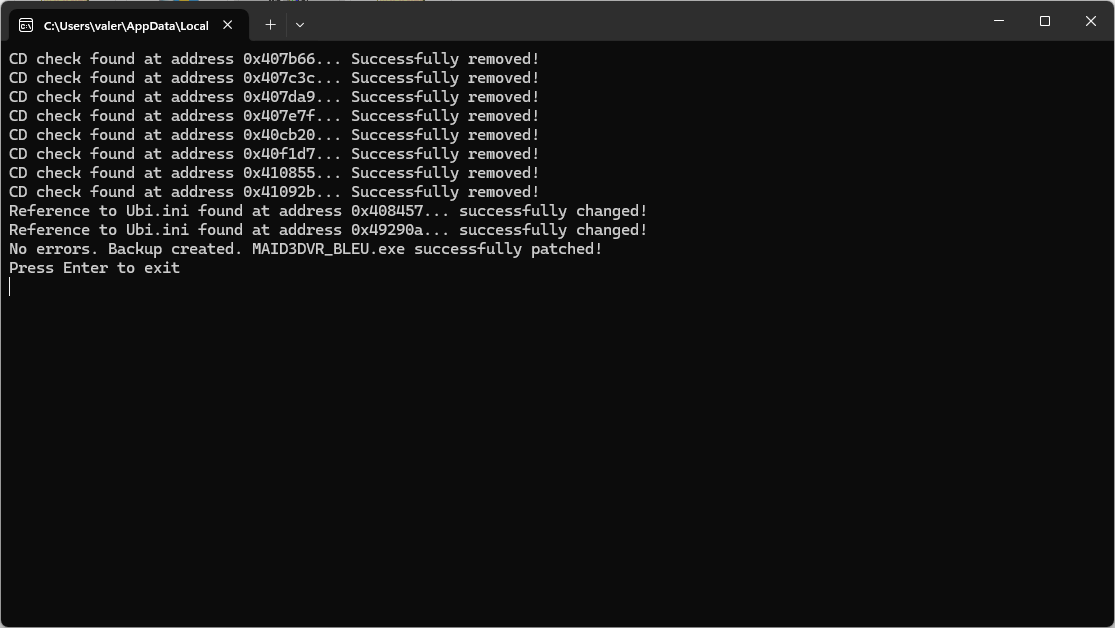
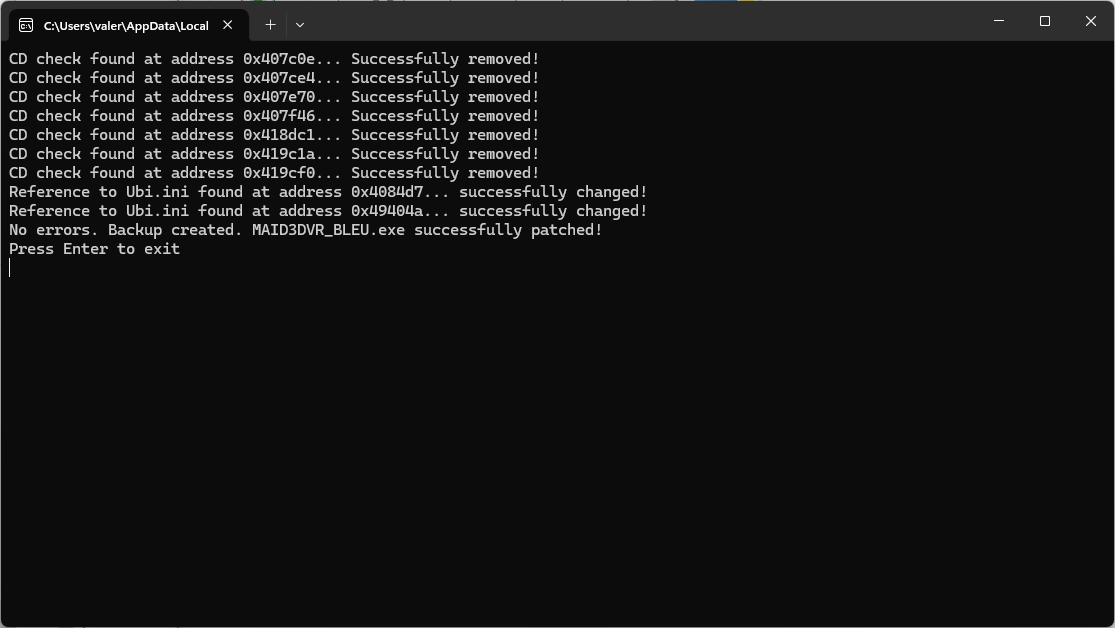
So just for fun I tried the 3dfx exe by renaming it from "MAIDFXVR_BLEU.exe" to "MaiD3Dvr_bleu.exe" and according to the log, the patch was applied succesfully. See the screenshot between the English and Italian versions.

I also did a test with "Alex build his farm" with the "Hype_Widescreen_FPS_Fix_V5.7z" (why not?). D3d and 3dfx exes have the safedisc v1.35.000. So, I renamed "Alex_D3D.exe" and "Alex_DFX.exe" to "MaiD3Dvr_bleu.exe", and I was able to apply your patch without errors! See screenshots

D3D ENG
Image

D3D ITA
Image

3DFX ENG
Image

3DFX ITA
Image

Now, to play the game, I've tried DgVoodoo2 2.82.3 and DDrawCompat-0.5.4, but they have strange behavior... they create an internal conflict with the name of the exe itself! Here is the list of my tests.

DgVoodoo2 2.82.3 > D3D > ddraw.dll > MaiD3Dvr_bleu.exe > Game works, movies are skipped automatically
DgVoodoo2 2.82.3 > 3DFX > glide3x.dll > MAIDFXVR_BLEU.exe > Game works, movies are skipped automatically

DDrawCompat-0.5.4 > D3D > ddraw.dll > MaiD3Dvr_bleu.exe > instant crash
DDrawCompat-0.5.4 > 3DFX > NOT AVAILABLE

Now the funniest and most absurd thing... IF you rename the exe with something else from "MaiD3Dvr_bleu.exe" to "HYPED3D.exe" for d3d and then with the hex editor you change the name of the "ddraw.dll" to "dhype.dll", the game will behave differently...

DgVoodoo2 2.82.3 > D3D > dhype.dll > DGV2D3D.exe > Game works, black screen but you can hear the sound of the movies, they must be skipped MANUALLY
DgVoodoo2 2.82.3 > 3DFX > glide3x.dll > HYPE3DFX.exe > Game works, movies are visible, you can watch the cutscenes and then the game crashes, Skipping movies still crashes the game


Image

DDrawCompat-0.5.4 > D3D > dhype.dll > HYPED3D.exe > Game works, Movie works, everything works as it should
DDrawCompat-0.5.4 > 3DFX > NOT AVAILABLE


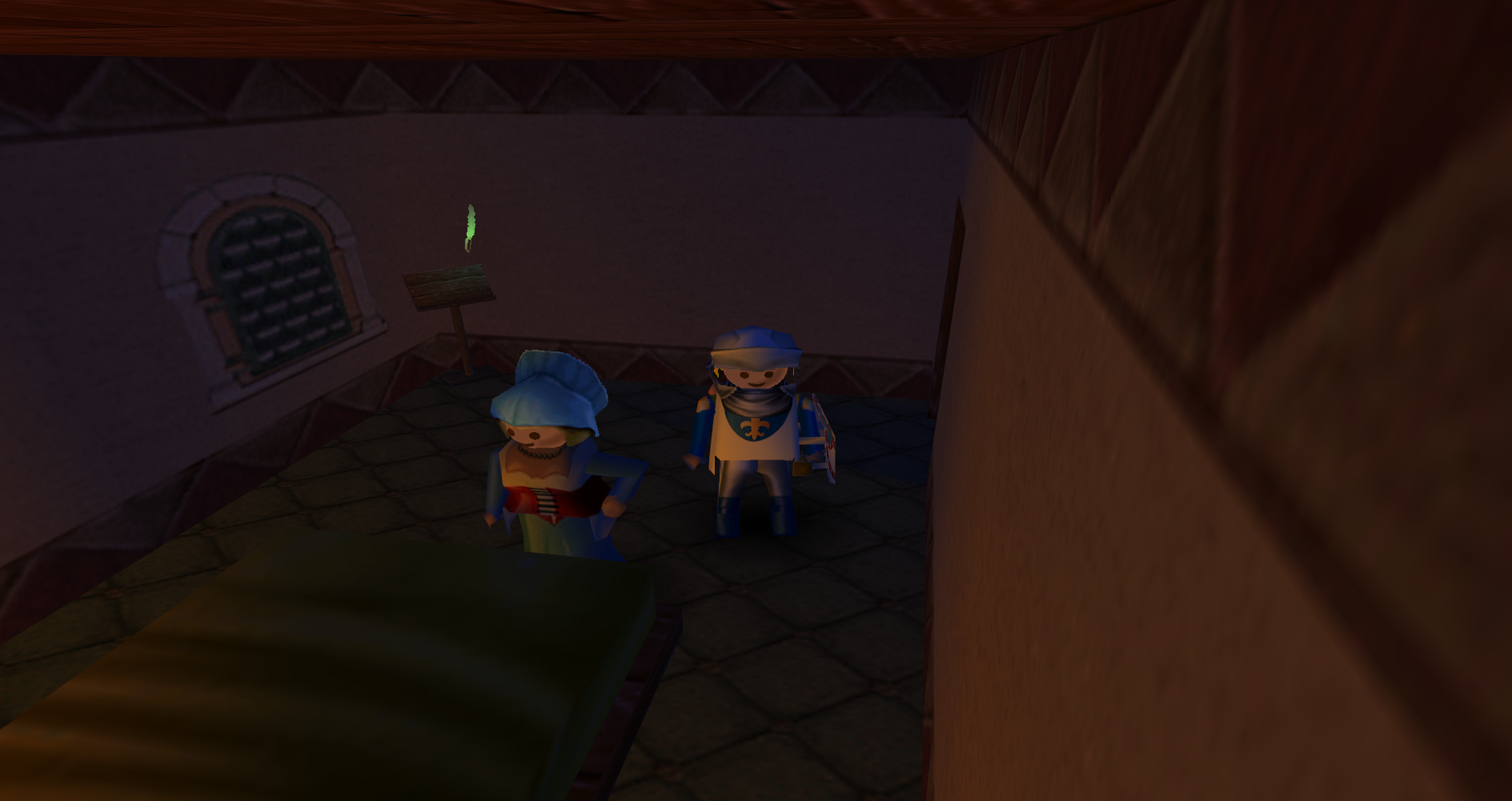
With DDrawCompat-0.5.4 you can increase the internal resolution without distorting the aspect ratio
Image

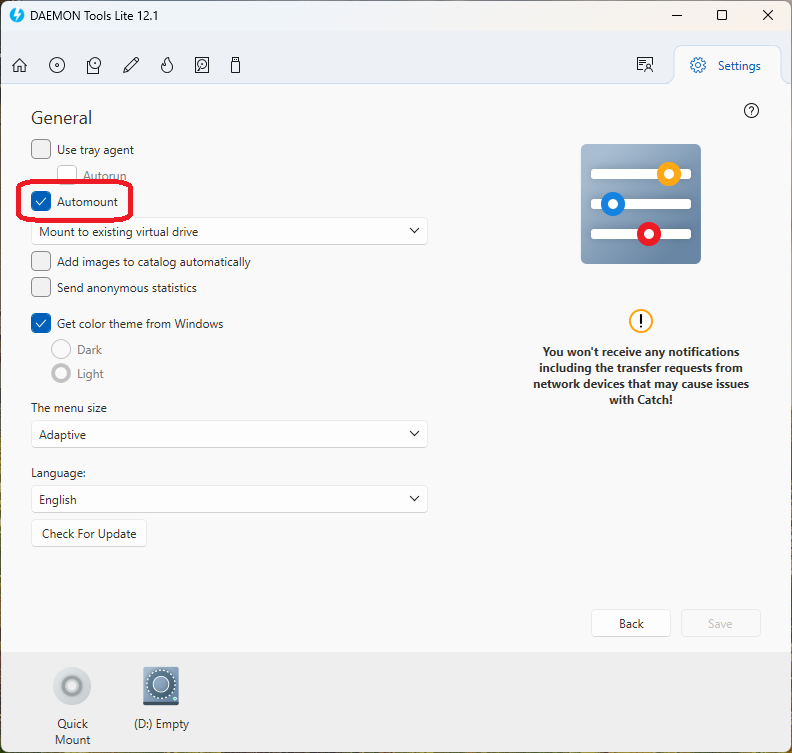
One more thing, the patch that is supposed to take care of the disk request actually works halfway. The game will always look for the presence of a virtual or real CD player. If the "Automount" option is not used with the daemon tool and the virtual CD is not present in the system resources, the game will always ask for the original or dummy disk. Note that using the "Alex build his farm" cure actually skips the infamous error "Log in with administrator privileges and start the game", but after mounting the disk with daemon you'll be able to play. Laura's happy adventure doesn't have the safedisc but only a cd check of the original disc...
Image

fun fact, if you replace the "SeutpUbi.exe" executable from the "Laura's Happy Adventure" disk and inject it into backup copies, the autorun of the Hype and Alex will work and not send the cpu to 100%

Image

Bye
lk19
Incrediball
Posts: 72
Joined: Thu Feb 11, 2021 8:52 pm
Tings: 360

Re: Hype: The Time Quest Widescreen

Post by lk19 »

Sorry for the late reply, but I took a bit of a break from making game patches ;) I am currently re-implementing the Hype: The Time Quest patch as an ASI (i.e. DLL) patch. It should be much more flexible and easier to use. This time, I managed to make the game run at high resultions natively (meaning you no longer have to run it at 640x360 and then scale it up). I'm currently still working on fixing all the HUD elements that get screwed up by the large resolution. Just like Ray2Fix, I will also try to include an option to un-stretch / center the HUD rather than having all the HUD elements and backgrounds stretched.

It still might take me a while to finish (this is the first time I've coded anything in C++), but I'll let you all know once I'm done :)
Cocostewart1998
Electoon
Posts: 3
Joined: Tue May 28, 2024 12:04 am
Tings: 15

Re: Hype: The Time Quest Widescreen

Post by Cocostewart1998 »

great to see yo uare still working on this game!!
Post Reply