Sure thing! I want to remind again that there might be more unused levels..
https://www.dropbox.com/s/603smo6xzr072 ... c.ckd?dl=0
https://www.dropbox.com/s/daag33bp7t8m2 ... c.ckd?dl=0
In case you want to replace or find more unused levels, follow these steps:
1. Download these 3 files and save them in your Rayman Origins "GameData" folder.
(If it's archives, extract them)
http://www.nullsecurity.org/download/5b ... d8fe6e8877
http://www.nullsecurity.org/download/85 ... 9f09fb77aa
https://www.dll-files.com/zlib1.dll.html
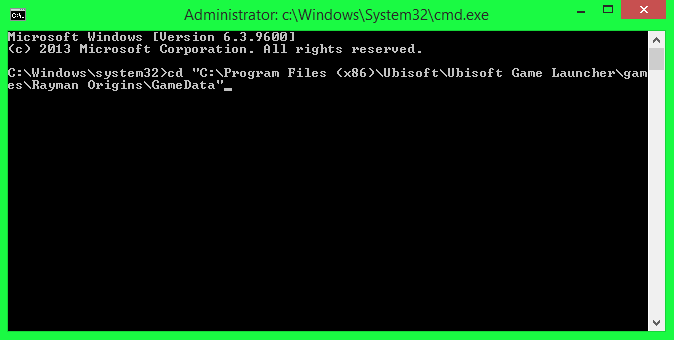
2. Open CMD as admin and type
Code: Select all
cd <The directory of Rayman Origins "GameData" folder>
As shown below:
3. Then type this
Code: Select all
unpakke.exe upkk_ipk.dll unpack bundle_PC.ipk extracted
The folder doesn't have to be named "extracted", it could be any name you want.
4. It should unpack everything in the game (It takes like 10-20 minutes)
5. You can play around with the game files. The final version levels are located in "<your extracted folder>/itf_cooked/pc/world/<pick any world folder, I prefer the jungle one>/level/<any level file>
NOTE: It may be confusing but when I tried to replace some of the levels, the loading scene was replaced instead. The first level will be your best bet.
6. For example, I will pick the first level which is "ju_a0" and you see this inside:

7. Backup the file level, it's the "ju_a0.isc.ckd". I just copy this file and paste it on my desktop or anywhere I want, just make sure you don't lose it.
8. Now that you backed up the file, you may want to try out the test levels I sent to you.
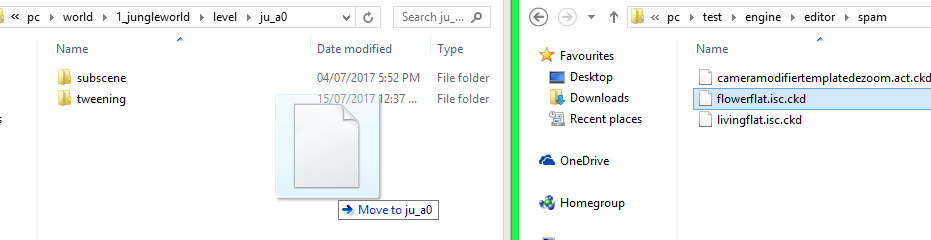
(It can be found in "<your extracted folder>/itf_cooked/pc/test/engine/editor/spam/)
9. Bring one of the test levels and bring it to the first level folder, shown below:
10. Rename this file:
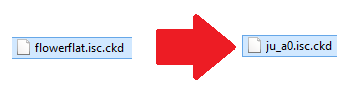
(This is the replacement method I do for the levels)
11. You're done replacing.. Now to pack the game's files. Return to the CMD and type this
Code: Select all
unpakke.exe upkk_ipk.dll pack extracted bundle_PC.ipk
12. Another 10-20 minutes for the pack.
13. Open the game and you see your replaced level.
If you want the level back, you can easily put your backup file and pack the game data.
Sorry if this is confusing and time consuming, I don't know any other method to replace levels.
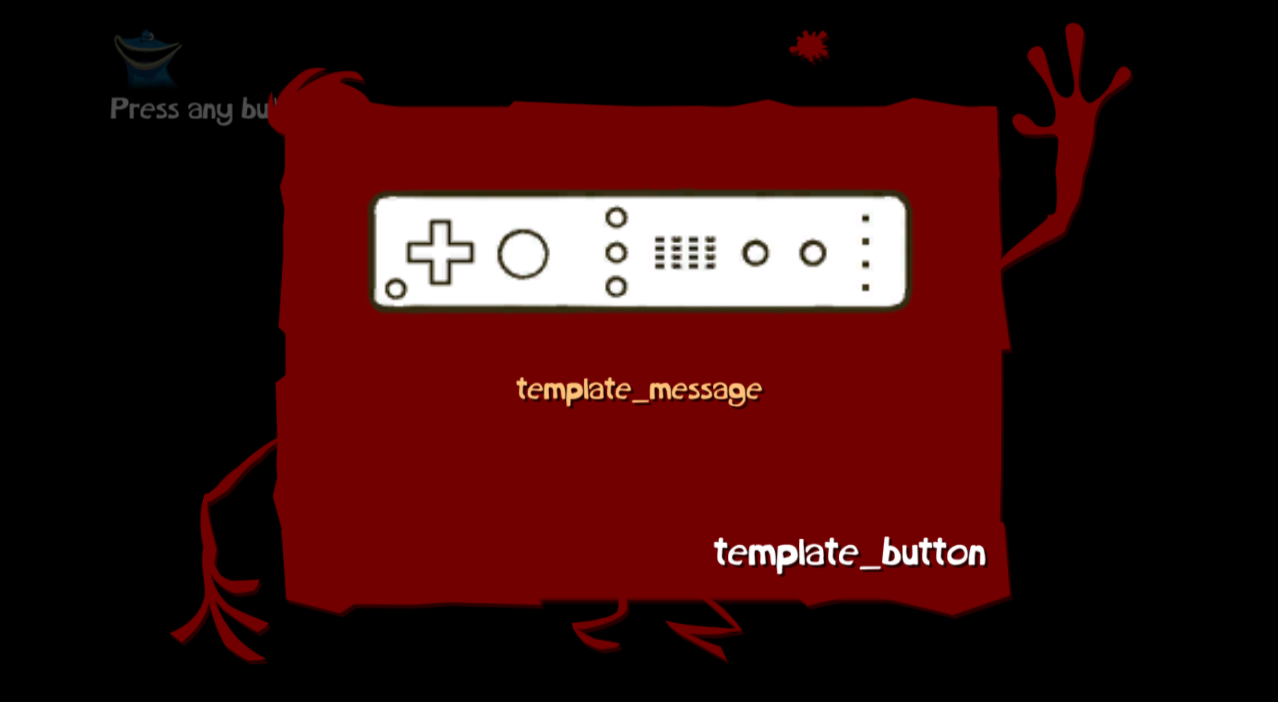
 I'll be trying it out later today and see what I can find!