Black screen with audio during cinematic cutscenes in Rayman 3
Moderator: Modding and utilities team
Forum rules
Please keep the forum rules and guidelines in mind when creating or replying to a topic.
Please keep the forum rules and guidelines in mind when creating or replying to a topic.

Black screen with audio during cinematic cutscenes in Rayman 3
Hi everyone, I have a problem with cinematic cutscenes in Rayman 3, when playing in higher resolutions. I have better rayman installed and capped fps to 100 (I've also tried lower values but it didn't change anything. When any cinematic plays all I can see is black screen with audio. When running the .exe with admin privileges the cinematics work fine, but UI is all messed up like on the screenshot I've attached. I've tried pretty much everything I could think off - changing all the better rayman settings, trying dgvoodo 2 etc, and nothing seems to help.
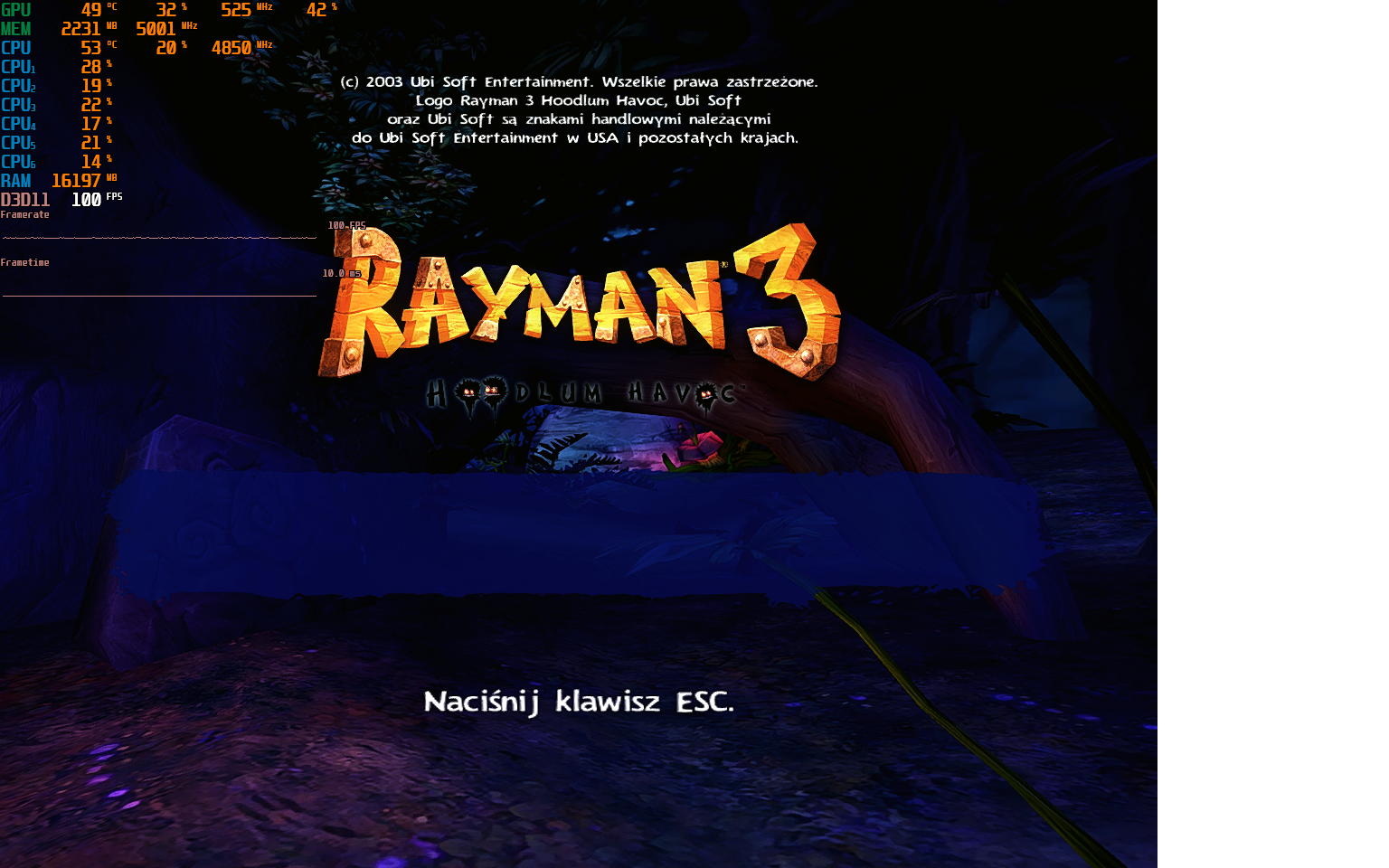

Re: Black screen with audio during cinematic cutscenes in Rayman 3
Check these solutions for the misplaced HUD issue, but I think setting your refresh rate to 60Hz will help, but there are some alternatives to this as well:
https://www.pcgamingwiki.com/wiki/Rayma ... D_elements
https://www.pcgamingwiki.com/wiki/Rayma ... D_elements
Re: Black screen with audio during cinematic cutscenes in Rayman 3
Thank you, but unfortunately limiting refresh rate changes nothing, I've also tried all the fixes from pcgaming wiki. I've found out that when launching the game with admin privileges it was, for some reason, launching in different resolution. Turns out the cutscenes are showing for me only when I choose any 4:3 resolution, but it messes up everything else, as I have a 16:9 display.deton24 wrote: Sat Aug 09, 2025 7:48 pm Check these solutions for the misplaced HUD issue, but I think setting your refresh rate to 60Hz will help, but there are some alternatives to this as well:
https://www.pcgamingwiki.com/wiki/Rayma ... D_elements
-
PluMGMK

- Posts: 40508
- Joined: Fri Jul 31, 2009 9:00 pm
- Location: https://www.youtube.com/watch?v=cErgMJSgpv0
- Contact:
- Tings: 136606
Re: Black screen with audio during cinematic cutscenes in Rayman 3
If the cutscenes don't play in 16:9, I think that means that Better Rayman 3's patches to Rayman3.exe aren't applied properly. There are a bunch of checks that get patched out / modified so that the game can play the cutscene on a 4:3 polygon in the centre of the screen instead of just bailing out…
Re: Black screen with audio during cinematic cutscenes in Rayman 3
I've finally fixed it! You were onto somethingPluMGMK wrote: Sat Aug 09, 2025 11:30 pm If the cutscenes don't play in 16:9, I think that means that Better Rayman 3's patches to Rayman3.exe aren't applied properly. There are a bunch of checks that get patched out / modified so that the game can play the cutscene on a 4:3 polygon in the centre of the screen instead of just bailing out…
 What worked for me was downloading asi loader from that post: https://www.reddit.com/r/Rayman/comment ... w=original but without deleting d3d8.dll and d3d8.ini because I wanted to still be able to use reshade. Now everything is working perfectly with any resolution. I think that the cutscenes issue was caused by some .dll shenanigans but as long as it's working I don't want to mess with it.
-
PluMGMK
- Posts: 40508
- Joined: Fri Jul 31, 2009 9:00 pm
- Location: https://www.youtube.com/watch?v=cErgMJSgpv0
- Contact:
- Tings: 136606
Re: Black screen with audio during cinematic cutscenes in Rayman 3
Yay, glad you figured it out!
Re: Black screen with audio during cinematic cutscenes in Rayman 3
Quick update. Turns out using dinput8.dll asi loader breaks yet another thing  It breaks controller support which was using the same file. To fix that you can use winmm.dll asi loader instead.
It breaks controller support which was using the same file. To fix that you can use winmm.dll asi loader instead.Re: Black screen with audio during cinematic cutscenes in Rayman 3
I wonder if that Ray3fix mod wouldn't fix all the issues on its own:
https://gamebanana.com/mods/492495
https://gamebanana.com/mods/492495
Re: Black screen with audio during cinematic cutscenes in Rayman 3
I thought about using Ray3fix but because of "Retail regional versions (ie. Polish, Russian, Hebrew, etc.) are not supported (due to a different game EXE)" I decided not to risk it as I'm playing the Polish version.deton24 wrote: Sun Aug 10, 2025 10:33 pm I wonder if that Ray3fix mod wouldn't fix all the issues on its own:
https://gamebanana.com/mods/492495
Re: Black screen with audio during cinematic cutscenes in Rayman 3
Well, in fact, Better Rayman also caused issues on regional retail versions including Polish, throwing some Visual exception (the fix is also in the article and you might be not even aware you already did what is explained there). So if you didn't have that issue before, it might be still worth trying out.
I'm not sure if the game even currently uses those files, as you don't even use dgVoodoo's d3d8.dll, but the one from BR3.
Hmmm... Even if I can't reproduce the issue, if those libraries can be deleted after launching the game, they're probably not hooked,
JFYI - all the files BR3 has: BetterRayman3.dll, BR3_Config.exe, d3d8.dll, d3d8.ini, dinput8.dll, Rayman3.sdb, unins000.dat, unins000.exe (and probably installer deploys Rayman3.sdb) and you seem to just rename BetterRayman3.dll to .asi, and use Ultimate ASI Loader on top of that (dinput8.dll actually renamed to winmm.dll to fix the controller issue, not totally sure if these files are all the same, probably).
Does it change anything if you delete DDraw.dll and D3DImm.dll from dgVoodoo from your current installation?explay wrote: Sat Aug 09, 2025 11:48 pm What worked for me was downloading asi loader from that post: https://www.reddit.com/r/Rayman/comment ... w=original but without deleting d3d8.dll and d3d8.ini because I wanted to still be able to use reshade. Now everything is working perfectly with any resolution. I think that the cutscenes issue was caused by some .dll shenanigans but as long as it's working I don't want to mess with it.
I'm not sure if the game even currently uses those files, as you don't even use dgVoodoo's d3d8.dll, but the one from BR3.
Hmmm... Even if I can't reproduce the issue, if those libraries can be deleted after launching the game, they're probably not hooked,
JFYI - all the files BR3 has: BetterRayman3.dll, BR3_Config.exe, d3d8.dll, d3d8.ini, dinput8.dll, Rayman3.sdb, unins000.dat, unins000.exe (and probably installer deploys Rayman3.sdb) and you seem to just rename BetterRayman3.dll to .asi, and use Ultimate ASI Loader on top of that (dinput8.dll actually renamed to winmm.dll to fix the controller issue, not totally sure if these files are all the same, probably).
Re: Black screen with audio during cinematic cutscenes in Rayman 3
I've tried deleting DDraw.dll and D3DImm.dll and it seems dgVoodoo still works without them. At least the watermark is still being shown in the bottom right. Honestly, after all that tinkering I have pretty much no idea which file does what now, but as long as everything seems to work I'm not complainingdeton24 wrote: Sat Aug 16, 2025 1:19 pm Does it change anything if you delete DDraw.dll and D3DImm.dll from dgVoodoo from your current installation?
I'm not sure if the game even currently uses those files, as you don't even use dgVoodoo's d3d8.dll, but the one from BR3.
Hmmm... Even if I can't reproduce the issue, if those libraries can be deleted after launching the game, they're probably not hooked,
JFYI - all the files BR3 has: BetterRayman3.dll, BR3_Config.exe, d3d8.dll, d3d8.ini, dinput8.dll, Rayman3.sdb, unins000.dat, unins000.exe (and probably installer deploys Rayman3.sdb) and you seem to just rename BetterRayman3.dll to .asi, and use Ultimate ASI Loader on top of that (dinput8.dll actually renamed to winmm.dll to fix the controller issue, not totally sure if these files are all the same, probably).